
How to Update Your Account Details
Sign in to your eBassGuitar account:
https://members.ebassguitar.com/login
To update your details:
-
Select your profile picture in the top-right corner.
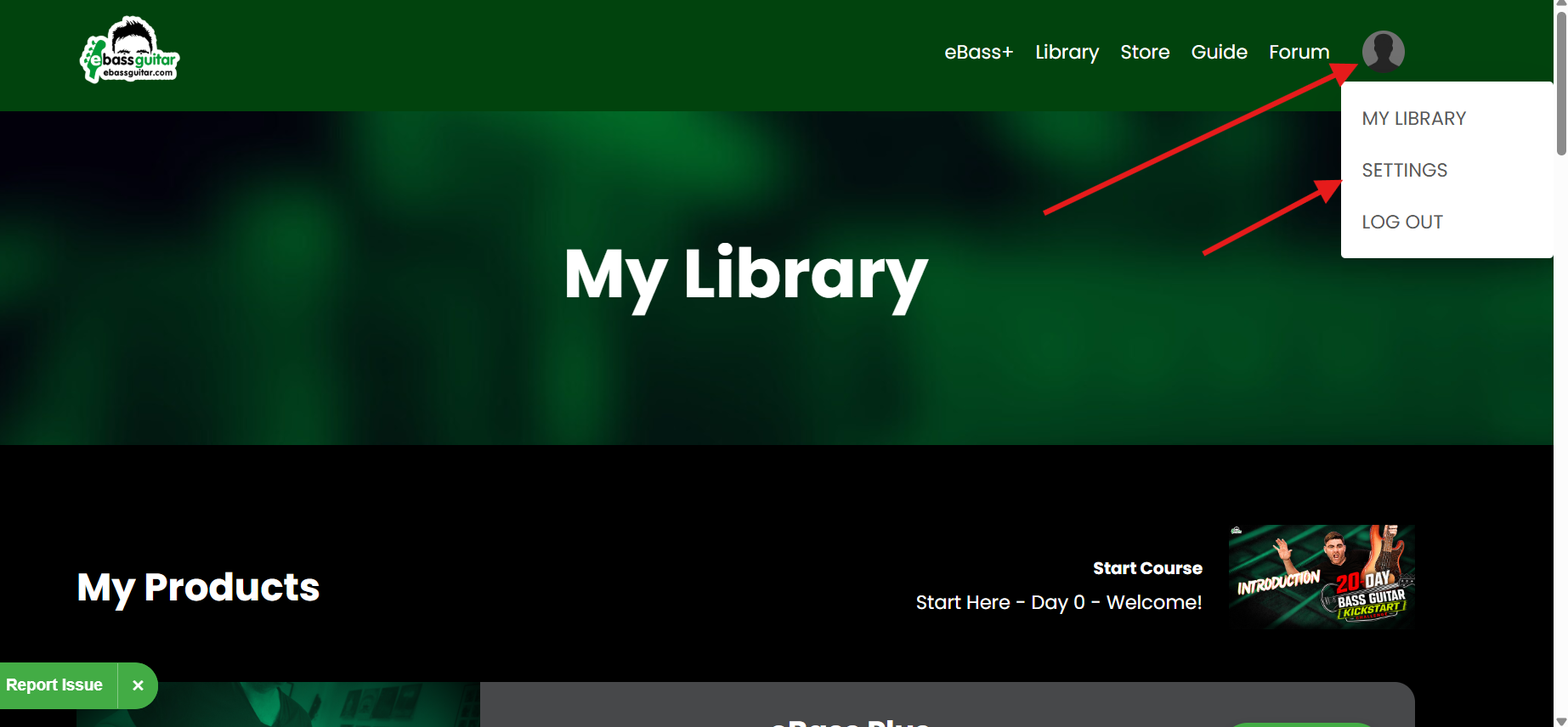
- Select Settings.
-
Update the information you want to change.
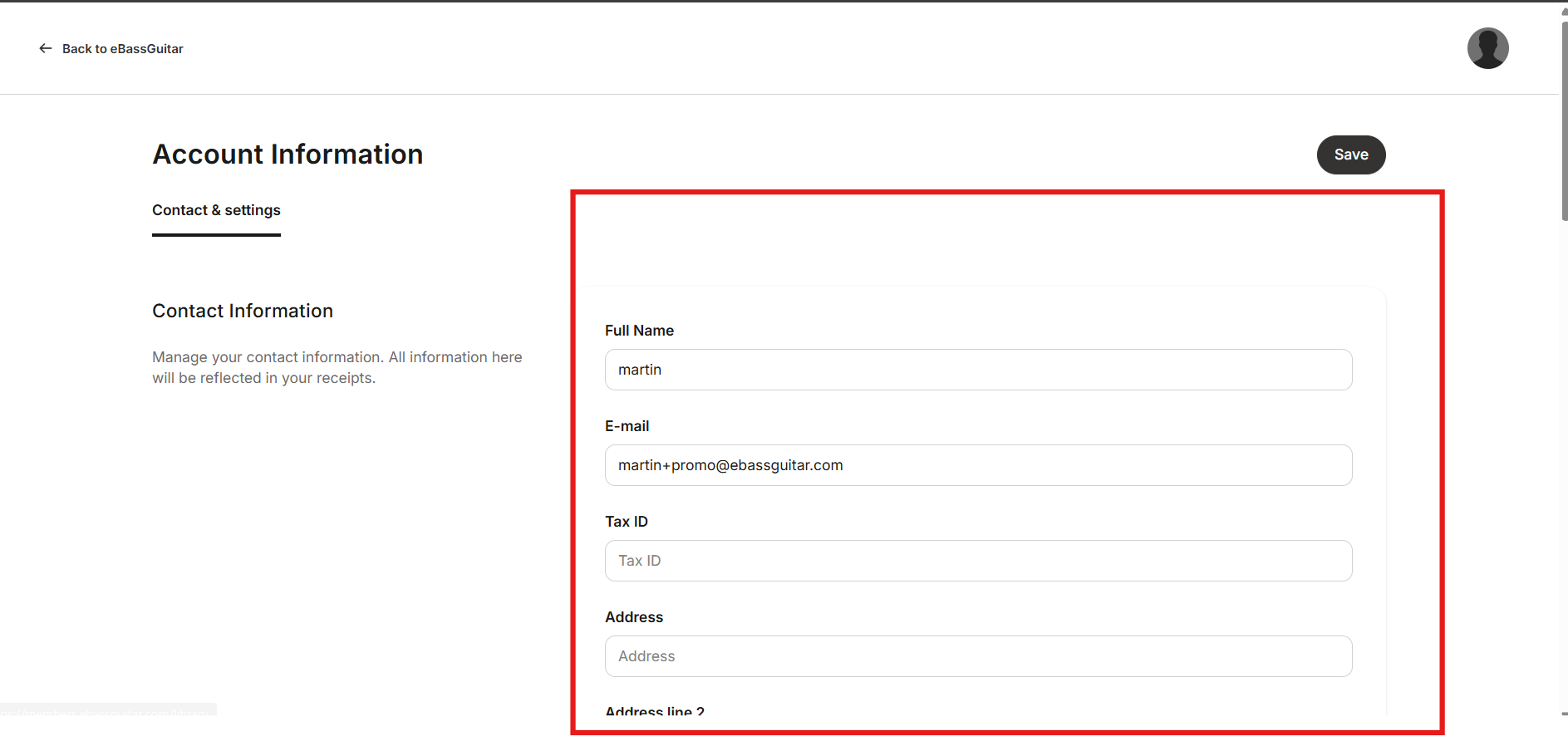
-
Save your changes.
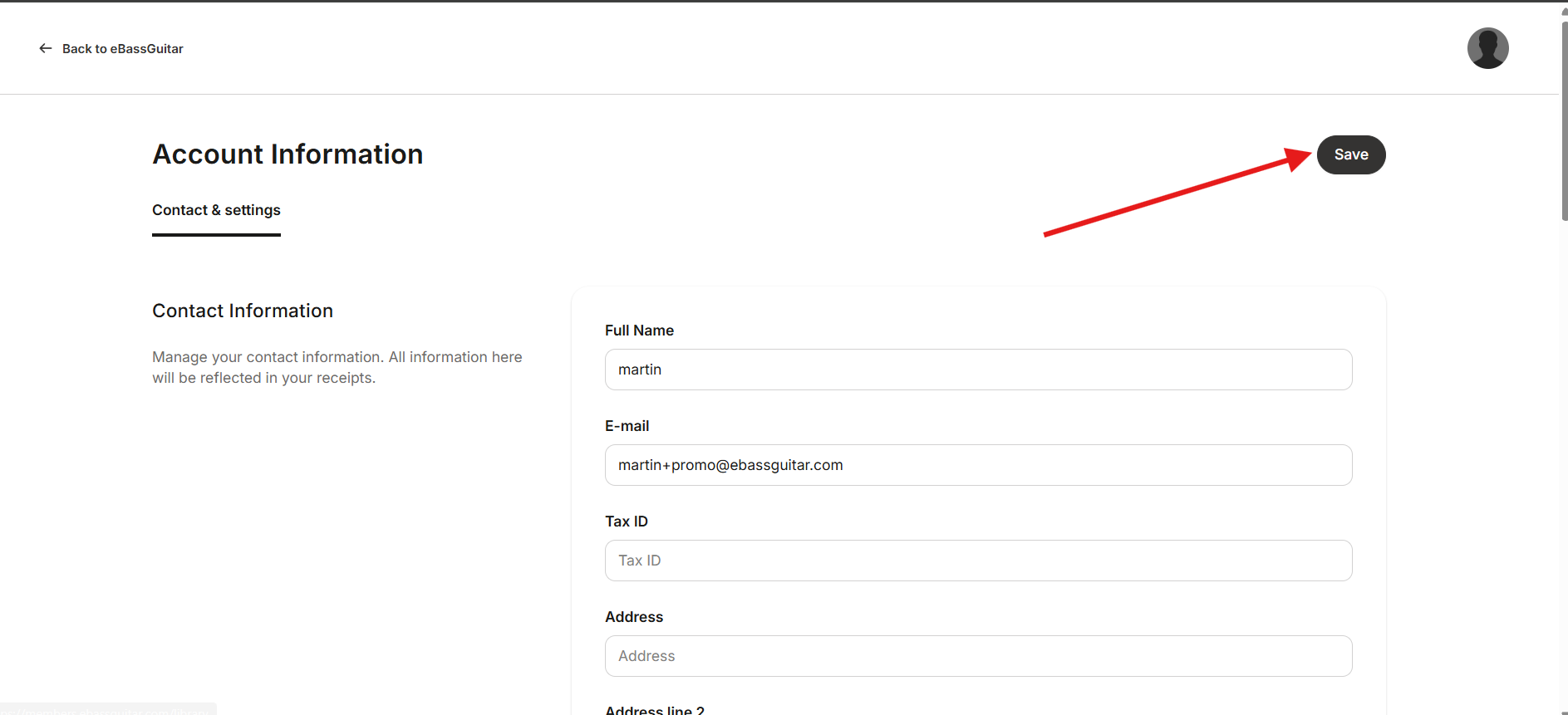
You can update details such as your name, email address, profile picture, time zone, notification preferences and password.
If you change your email address, use the new email address the next time you sign in.
If your courses are divided between different email addresses, contact support@ebassguitar.com and request an account merge.