
How to Download TAB, Music Sheets and Backing Tracks
TAB, music sheets, backing tracks and other course resources are usually found inside the first lesson or Introduction section of the course.
To download them:
-
Open the course.
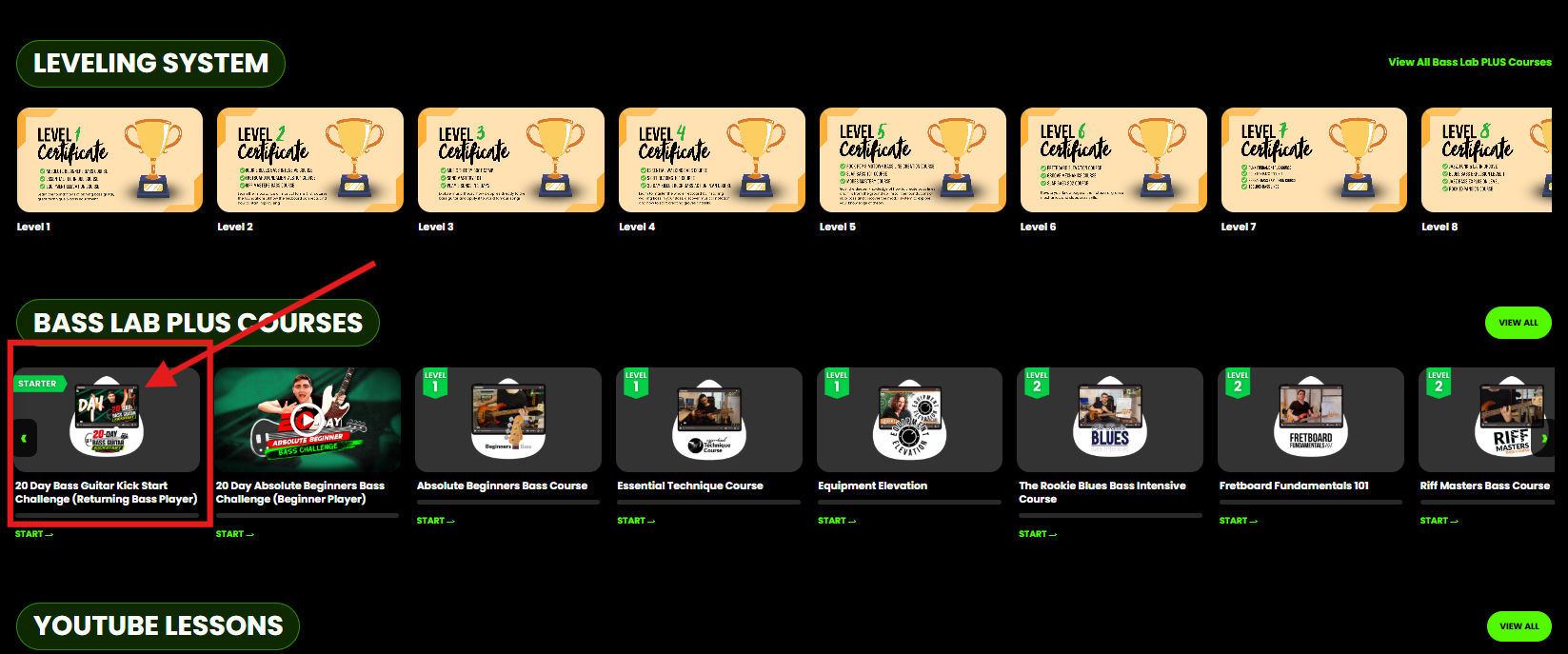
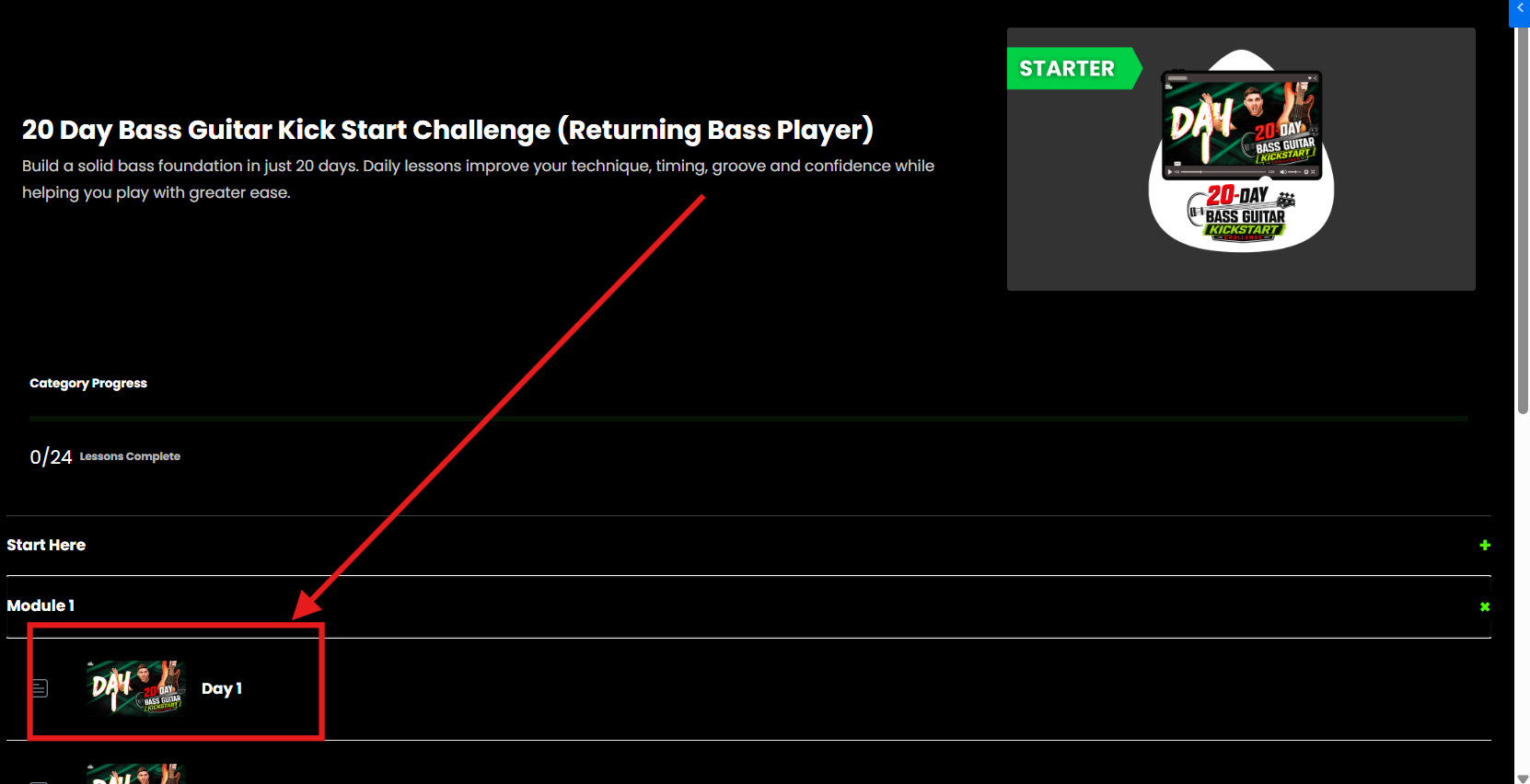
-
Go to the first lesson or Introduction section.
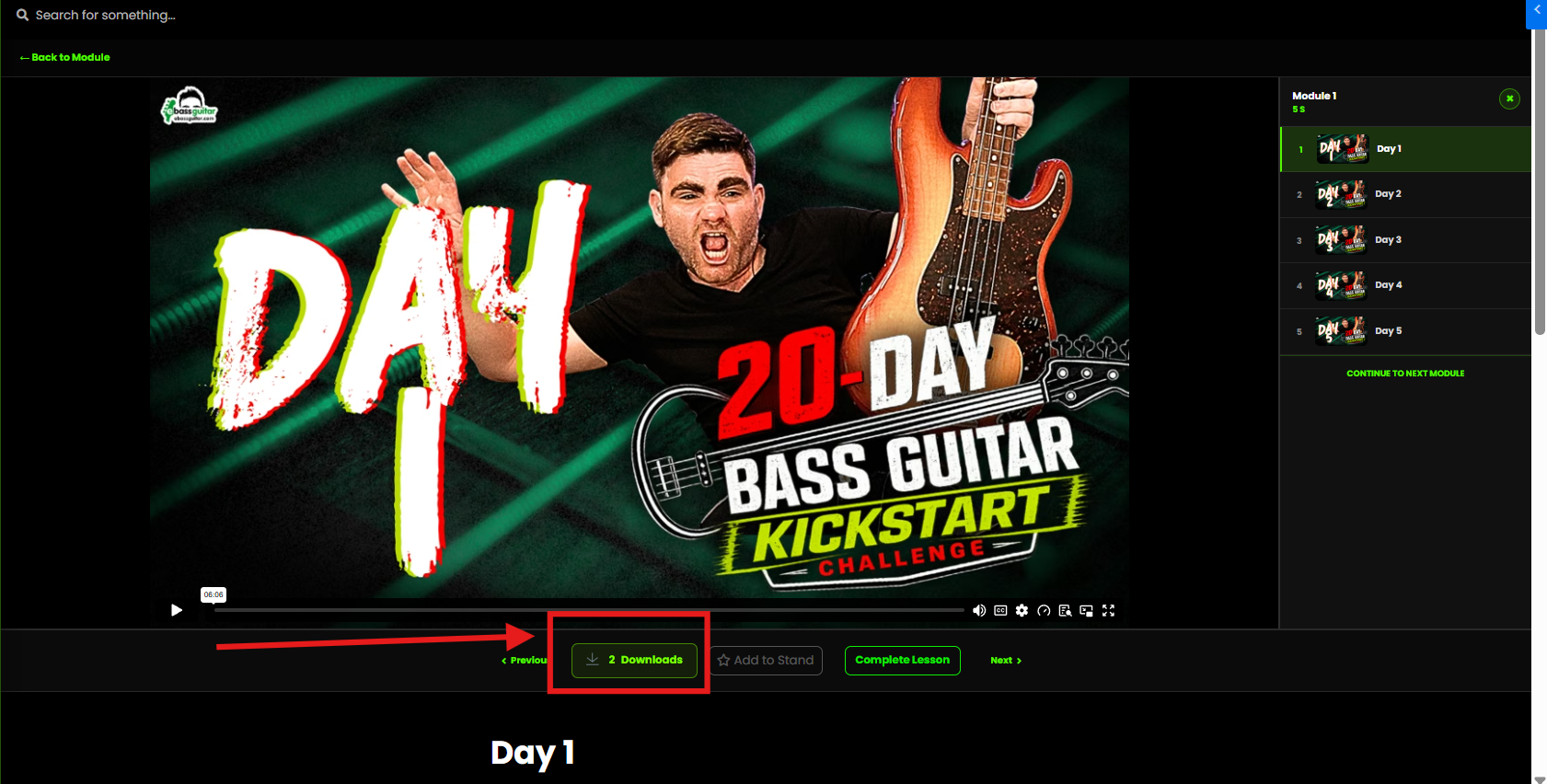
-
Find the downloadable files below or alongside the lesson video.
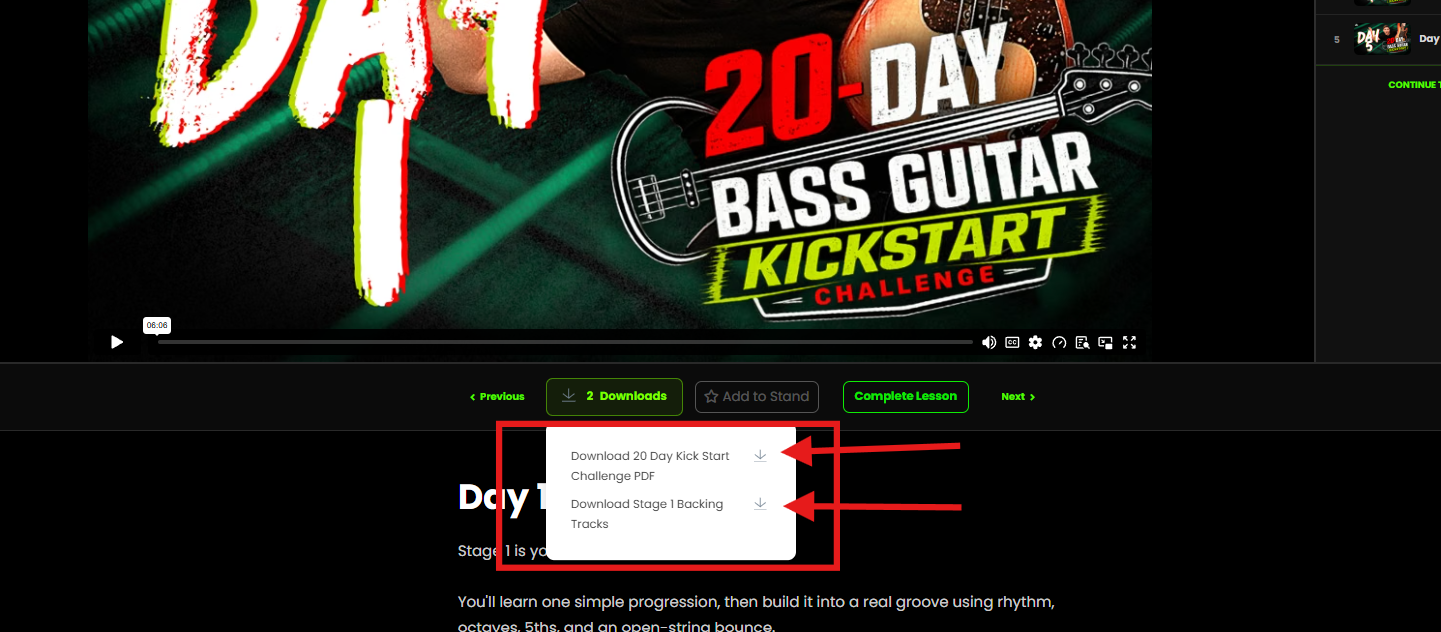
- Select the file to open or download it to your device.
Some courses may also include additional downloads inside individual lessons.
If you cannot find a file or the download does not work, contact:
support@ebassguitar.com